ITR service
Connect backup planning with recovery procedures, ownership and workload-specific recovery targets.
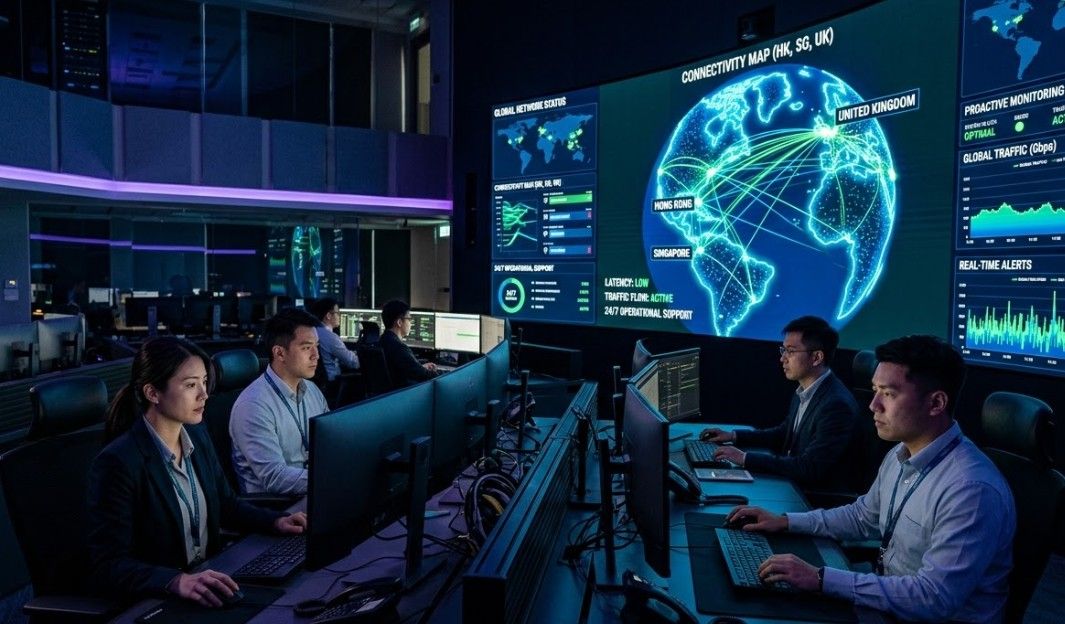
A backup is only one part of recovery. Business continuity and disaster recovery planning considers what is protected, how often copies are made, where they are held and how critical systems would be restored.
The recovery path should be documented and tested, with responsibilities identified for critical systems. Recovery time and recovery point objectives (RTO and RPO) are considered per workload against the business impact of downtime or data loss, rather than assumed to be the same everywhere.
For operations across Hong Kong, Shenzhen (China) and the United Kingdom, data location and applicable requirements can be included in the discussion. The appropriate design depends on the systems, dependencies and recovery needs in scope.
Proof of work
Case note · Youth Development & Community Services
A youth-development organisation running a mixed Hyper-V and VMware estate put the whole virtualisation platform under Acronis Cyber Protect Cloud: image-based protection of every hypervisor host and every guest VM, daily incremental plus weekly full schedules, three-generation (grandfather-father-son) retention, AES-256 encryption to cloud storage, and — before handover — real restore tests at file, whole-VM and whole-hypervisor level, with recovery steps and RTO documented and the customer's own IT team trained to run a restore.
Case note · Charity & Social Services
A charity and social-services organisation carrying its operational estate — domain controller, ERP, HRIS, file, print, document-management and device-management servers — on a single site got a proper second one: a disaster-recovery site in Azure built on Site Recovery replication with failover and failback, an Azure-hosted domain controller replicating with the on-premises one, a VPN gateway tying the two networks together, Traffic Manager ready to re-route users, and Azure Backup retaining data alongside the replication. Underneath it, the core network was rebuilt on H3C — S6805 core switches and S5590 server-access switches in a phased design that delivered the functional upgrade first and added IRF clustering for full redundancy second.
Common questions about business continuity & disaster recovery (bcdr).
Proactive monitoring, maintenance, and technical support to help keep business IT systems operating reliably.
Plan and deliver server-room, network and cloud changes around your existing systems and business needs.
Review security posture, reduce exposure with appropriate controls, and plan for recovery and data protection.
Whether it’s a critical server issue or a long-term digital transformation project, our team is ready to assist. Reach out and experience ITR’s expert support that actually works.